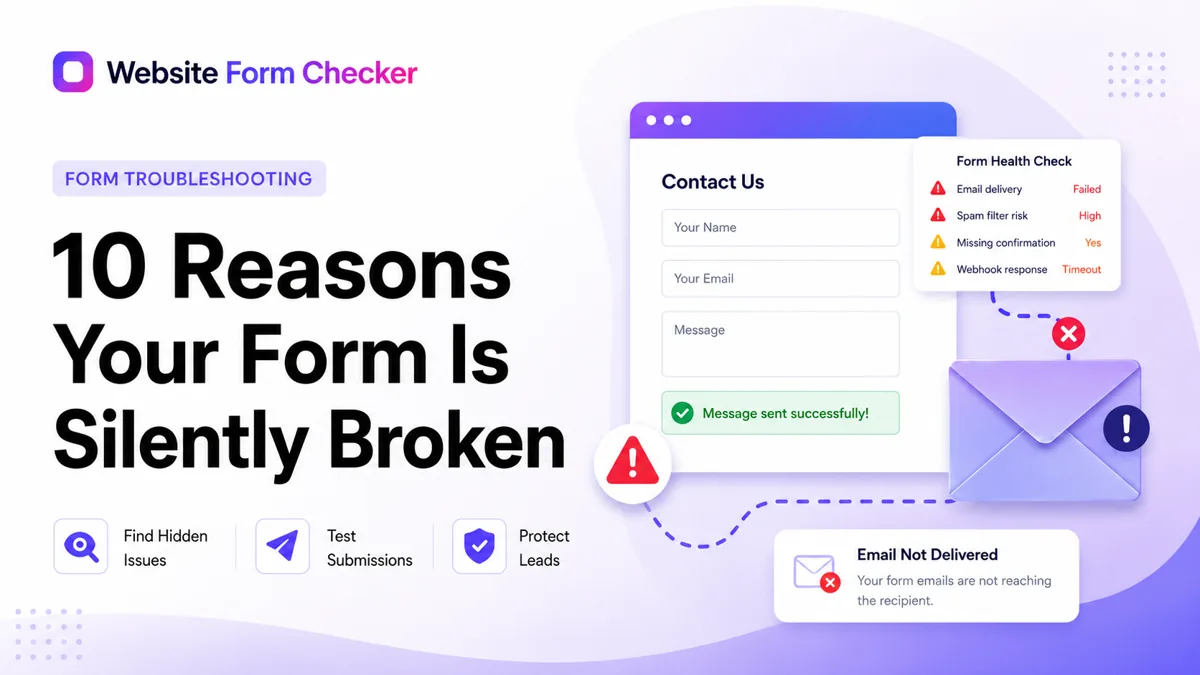
If you only have time to do one thing after reading this: send yourself a test message through your own contact form from a private browser window, right now. Use a real email address you control. Wait an hour. If it doesn't land, one of the ten below is biting you. We see it more than we'd like to admit.
The placeholder email never got replaced most common
This is the one we see most. Especially on sites a developer set up two or three years ago. The form handler is configured to send to [email protected] in the demo. The developer was supposed to swap that for your real address at launch. They forgot. The form happily delivers every submission to a mailbox that doesn't exist, the mail server bounces it, and you never hear a thing.
# wpcf7 mail recipient
'subject'    => 'New lead from [your-name]',
'recipient'  => 'placeholder@example.com',  // ← never replaced
'sender'     => '[your-email]',
'reply_to'   => '[your-email]',
Mail server bounces silently. No bounce-notification configured.
Your SMTP password rotated on the host common
Your hosting provider (or email gateway like Postmark, SendGrid, or Mailgun) cycled an authentication credential. The form-handler still has the old password in its config and now gets a 535 auth-failure every time it tries to relay. The submission has already returned "thanks, we'll be in touch" to the visitor by then. The rejection happens between your web server and the mail server, invisible to the visitor and to you.
2026-05-29T03:14:22  postfix/smtp[5821] starting…
2026-05-29T03:14:22  TLS established with smtp.postmarkapp.com
2026-05-29T03:14:23  535 5.7.8 Authentication credentials invalid
2026-05-29T03:14:23  postfix/smtp[5821] giving up after 1 attempt
2026-05-29T03:14:23  message dropped: queue empty
Front-end already returned "Thanks, we'll be in touch." Customer's gone.
The reCAPTCHA site key is for the wrong domain common
Common after a staging-to-production migration or after switching domains. Google reCAPTCHA site keys are domain-locked. A key issued for staging.example.com will silently reject every solve on www.example.com. Your form processes the submission but rejects it server-side because the captcha "didn't pass." Visitors see no error. You get no email.
▶ POST /wp-admin/admin-ajax.php
  Response: 200 OK

{
  "success": false,
  "error":   "ERROR_FOR_SITE_OWNER:
              Invalid domain for site key"
}
200 OK + success:false. The form "worked." The email never sent.
Your anti-spam plugin is eating real submissions common
CleanTalk, Akismet, Honeypot for Contact Form 7. Anti-spam plugins work by scoring incoming submissions against blocklists, behavioral patterns, and known-bad IPs. They make mistakes. A real customer using a VPN or a corporate IP that shares space with bad actors can score "spam" on entirely legitimate submissions. The plugin quietly drops them into a quarantine you've probably never checked.
- Sarah K.Quote for a kitchen reno…VPN
- Mike B.Pricing on the $20K…corp IP
- J. PatelNeed a quote by Fridayrepeat IP
- ROLEX!!!cheap watches click herespam
The form action URL gets 301-redirected edge case
Your form's action attribute points to /contact. Your web server (Apache or nginx) is configured to canonicalize URLs by adding a trailing slash, so it 301-redirects to /contact/. The exact failure varies by browser and proxy chain, but the symptom is the same: form data lost in transit. Older clients silently convert POST to GET (which strips the body), some CDNs do the same, and certain CSRF-token flows fail because the second hop has a fresh session. The form fires, the server receives nothing useful, and the visitor sees a thank-you anyway.
POST /contact         301  ↗ /contact/
GET  /contact/        200  ← body stripped on the second hop
                                Request payload: (none)
Modern browsers usually preserve POST, but CDNs, older clients, and CSRF flows often don't.
Your form-handler emails are going to spam (SPF / DKIM not aligned) common
Your form submits to your domain. The server sends an email to your inbox using your domain as the From address. But the actual SMTP relay is on a different IP/domain (welcome to shared hosting). Without an SPF record naming that relay as an authorized sender, and a DKIM signature from that relay, your domain looks like a spoofer. Gmail and Outlook both quietly filter the message into spam, or worse, into a junk folder you never check.
;; ANSWER SECTION:
yourbiz.com.  IN  TXT  "v=spf1 include:_spf.google.com ~all"

Mail is actually sent through:  bluehost-relay-04.bh.cust.net
                                ^ not listed in the SPF record
Gmail verdict:                  soft-fail → Spam folder
DKIM also unsigned → the message has nothing to authenticate it.
A required field was added without the form-handler knowing common
Marketing wants a "How did you hear about us?" field for tracking. Someone adds it via the CMS admin and marks it required. Engineering doesn't get the memo, and the server-side form-handler never reads the new field. Two bad outcomes follow. New visitors who don't fill it get blocked by the client-side required validation, so legit leads drop off before submitting. The ones who do get through have a field whose value the handler ignores, so it never lands in the email body or your CRM. You see fewer submissions and don't know why.
+ <input name="hear_about" required>
  <input name="name">
  <input name="email">
  <textarea name="message">
─────────────────────────────────────
  $name    = $_POST['name'];
  $email   = $_POST['email'];
  $message = $_POST['message'];
  // hear_about is never read, never validated
Marketing adds the field for tracking. Engineering doesn't know. The handler accepts the post but the front-end's "required" rejects empties → real customers blocked.
Form submission writes to a DB and the insert fails silently common
Modern WordPress-style plugins (Gravity Forms, WPForms, Ninja Forms) save submissions to a database table first, then trigger the email notification asynchronously. If the DB write succeeds but the email-send step crashes (out of disk, mail-queue full, plugin update broke the trigger), the submission exists in your CMS admin but you never get a notification. Months pass. Customers churn.
✓ INSERT INTO wp_wpforms_entries (#4821)  ok
✓ Hook: wpforms_process_complete fired
✗ wp_mail() → SMTP timeout (5000ms)
  └ no retry queue configured
  └ entry persists, notification dropped
You'll see entry #4821 in the admin. Nobody told you it never sent.
The MX records for your email domain expired or shifted edge case
You migrated email from Google Workspace to Microsoft 365 (or vice versa) and didn't update DNS at all the places. The MX records point at a server that's no longer accepting mail. Form submits, server tries to deliver to your domain, gets bounced, drops the message. You hear nothing.
;; ANSWER SECTION:
yourbiz.com.  IN  MX  10  ASPMX.L.GOOGLE.COM.       ← stale, moved off Workspace in 2024
yourbiz.com.  IN  MX  20  ALT1.ASPMX.L.GOOGLE.COM.

Should be:
yourbiz.com.  IN  MX  10  yourbiz-com.mail.protection.outlook.com.
Form-handler relay tries to deliver, hits Google's MX, gets a 550 No such user. Bounce goes to a hosting-account address you don't check.
A custom field has a special character the handler can't encode edge case
Niche, but we've seen it. A visitor pastes a smart quote, an emoji, or text in a non-Latin script into a field. Your form's encoding is set to UTF-8 in the browser but Latin-1 on the server. PHP's mail() function or the email-template renderer chokes on the unsupported byte sequence and silently drops the message. Or sends a corrupted version that your inbox marks as spam. The visitor gets a thank-you. You get nothing.
Browser POST (UTF-8):
  "Hi, looking for a quote ✓ thanks"

Server receives:
  "Hi â€" looking for a quote âœ" thanks"

mail() → subject contains 8-bit chars → message dropped
       └ default_charset = ISO-8859-1 in php.ini
Or worse: gets delivered, but Gmail's content filter marks it spam.
The pattern across all ten
Every one of these failures looks fine from the outside. The form renders, the submit button works, the visitor sees a thank-you message. The break happens in the gap between "form accepted the submission" and "email actually lands in your inbox." Most monitoring tools don't watch that gap.
That's the gap we built Website Form Checker to watch. We submit a real, tagged test message on a schedule. The moment it stops arriving, we email you. Usually before a real customer's would have.
Test your form right now, free
Paste your contact form URL. We'll open it in a real browser, find the form, detect spam protection, and tell you whether it's structured to actually deliver submissions. Takes about 20 seconds.
Run a free audit →